

The technology behind AI-powered video editing is transforming how creators work—turning hours of tedious cutting, syncing, and color correction into minutes. Instead of manually scrubbing through timelines, editors now rely on machine learning models that recognize faces, objects, scenes, and even spoken words.
In this article, we break down the core components—from computer vision and natural language processing to automated transcription and smart rendering. You’ll learn how these systems work together, plus practical ways to apply AI-powered video editing to your own projects.
Introduction
Video editing used to mean hours of scrubbing through timelines, manually cutting clips, and syncing audio by ear. Today, AI-powered video editing changes that equation. Software can now detect scenes, remove background noise, reframe footage for different screen sizes, and even suggest edits based on the mood of the footage. This article explores The Technology Behind AI-Powered Video Editing with clear, practical guidance. Understanding the fundamentals of The Technology Behind AI-Powered Video Editing helps you make informed decisions, whether you are a solo content creator, a marketing professional, or someone managing a small media team. Reliable information and consistent habits lead to better long-term outcomes, and that principle applies directly to how you choose and use AI editing tools.
Key Concepts
At its core, AI-powered video editing combines several technologies that each handle a different part of the editing workflow. Knowing these terms makes tool comparisons much easier.
- Computer vision: Algorithms analyze frames to recognize objects, faces, scenes, and motion. This powers automatic scene detection and smart cropping.
- Speech recognition: Audio is converted to text, enabling transcript-based editing where you delete a word and the corresponding video segment disappears.
- Generative models: These can create or alter content, such as removing an object from a clip or generating a background fill.
- Neural networks and deep learning: The layered math models that learn patterns from large video datasets. They improve as they process more examples.
- Metadata tagging: AI assigns labels like “outdoor,” “interview,” or “high energy” to clips, making search and assembly faster.
These components rarely work in isolation. A single AI edit might use speech recognition to find a sentence, computer vision to adjust framing, and a neural network to smooth the transition between cuts.
Deep Dive
To understand how this technology actually operates, follow a typical AI-assisted edit from start to finish.
1. Ingest and analysis. When you import footage, the software runs an initial pass. It extracts keyframes, analyzes audio levels, and builds a searchable index of faces, objects, and spoken words. This step can take minutes or hours depending on clip length and hardware.
2. Scene segmentation. Computer vision detects shot boundaries by looking for abrupt changes in color, motion, or texture. Instead of one long timeline, you get dozens of discrete scenes. AI can then group these by location or subject.
3. Transcript-based editing. Speech-to-text creates a written script aligned to the timeline. You can edit the text like a document, and the video follows. This is one of the most practical time-savers for interview footage or tutorials.
4. Automated assembly. Some tools can generate a rough cut from a text prompt or a set of highlights. The AI ranks clips by relevance, audio quality, and motion stability, then arranges them into a sequence.
5. Enhancement and cleanup. Neural networks handle tasks like noise reduction, color matching, and stabilization. They can also upscale low-resolution footage or remove unwanted objects frame by frame.
6. Export and adaptation. AI reframes the final edit for vertical, square, or widescreen formats without manual cropping. It tracks the subject and keeps them centered.
The practical result is that AI does not replace the editor. It removes repetitive labor so the editor can focus on story, pacing, and creative choices.
Step-by-Step: Applying AI Video Editing in Practice
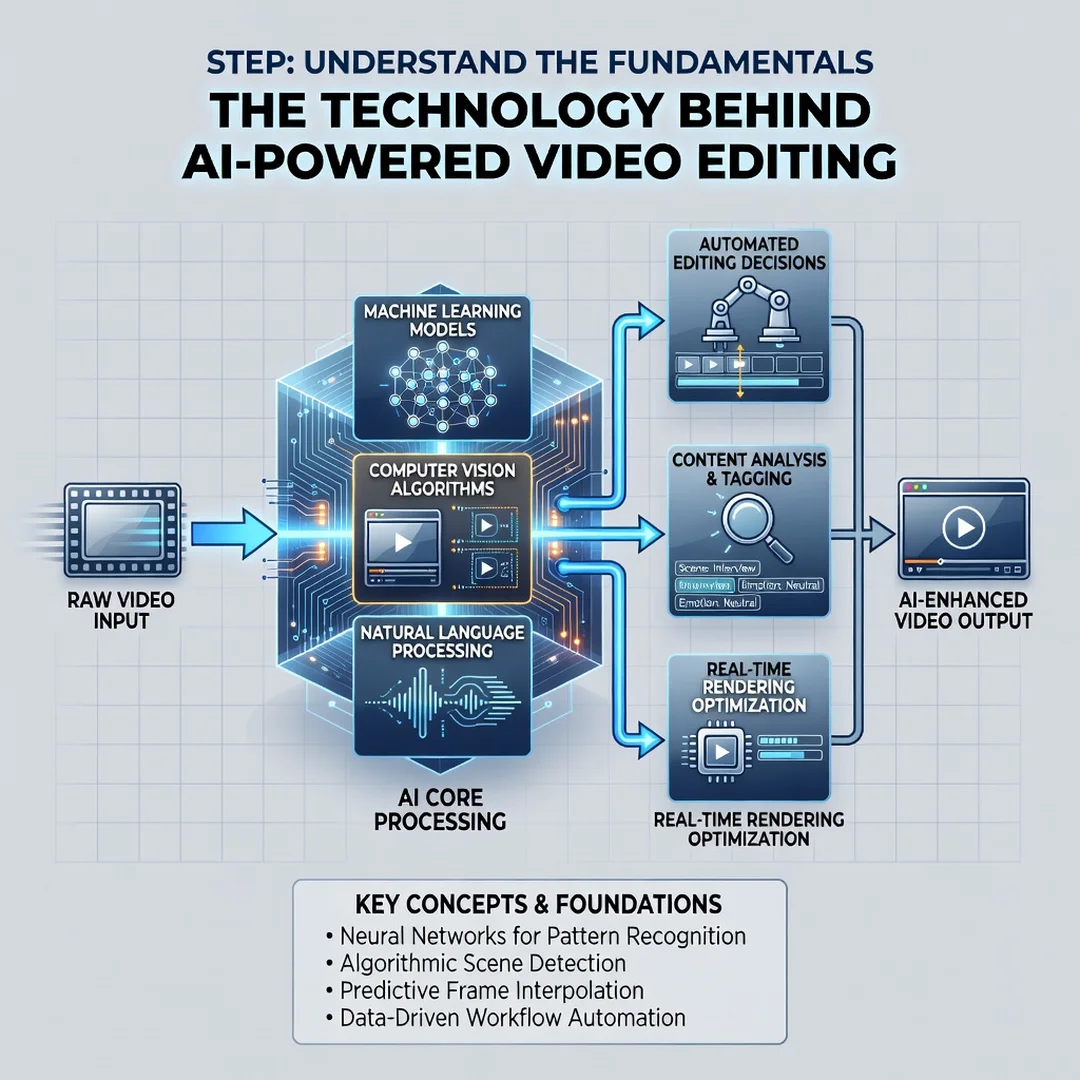
Step 1: Understand the fundamentals
Before choosing any tool, learn what each AI feature actually does. Watch a demo of scene detection, transcript editing, and auto-reframing. Read the documentation for one or two popular editors. This baseline knowledge prevents you from paying for features you will never use.
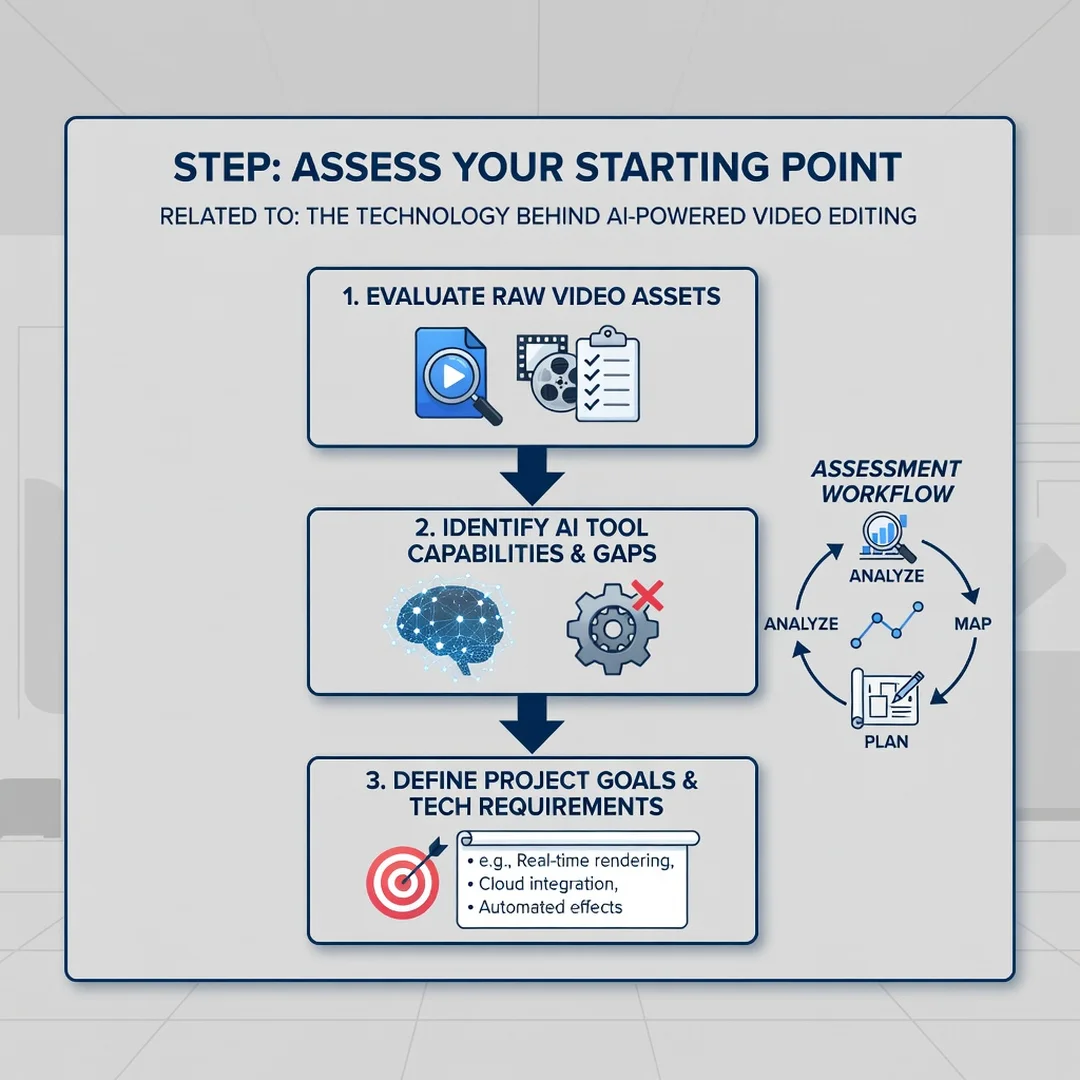
Step 2: Assess your starting point
Review your current workflow. How much time do you spend on cutting, syncing, or color correction? What file formats and resolutions do you work with? Note your computer’s processor, graphics card, and available storage. AI features often require more powerful hardware than basic editing.
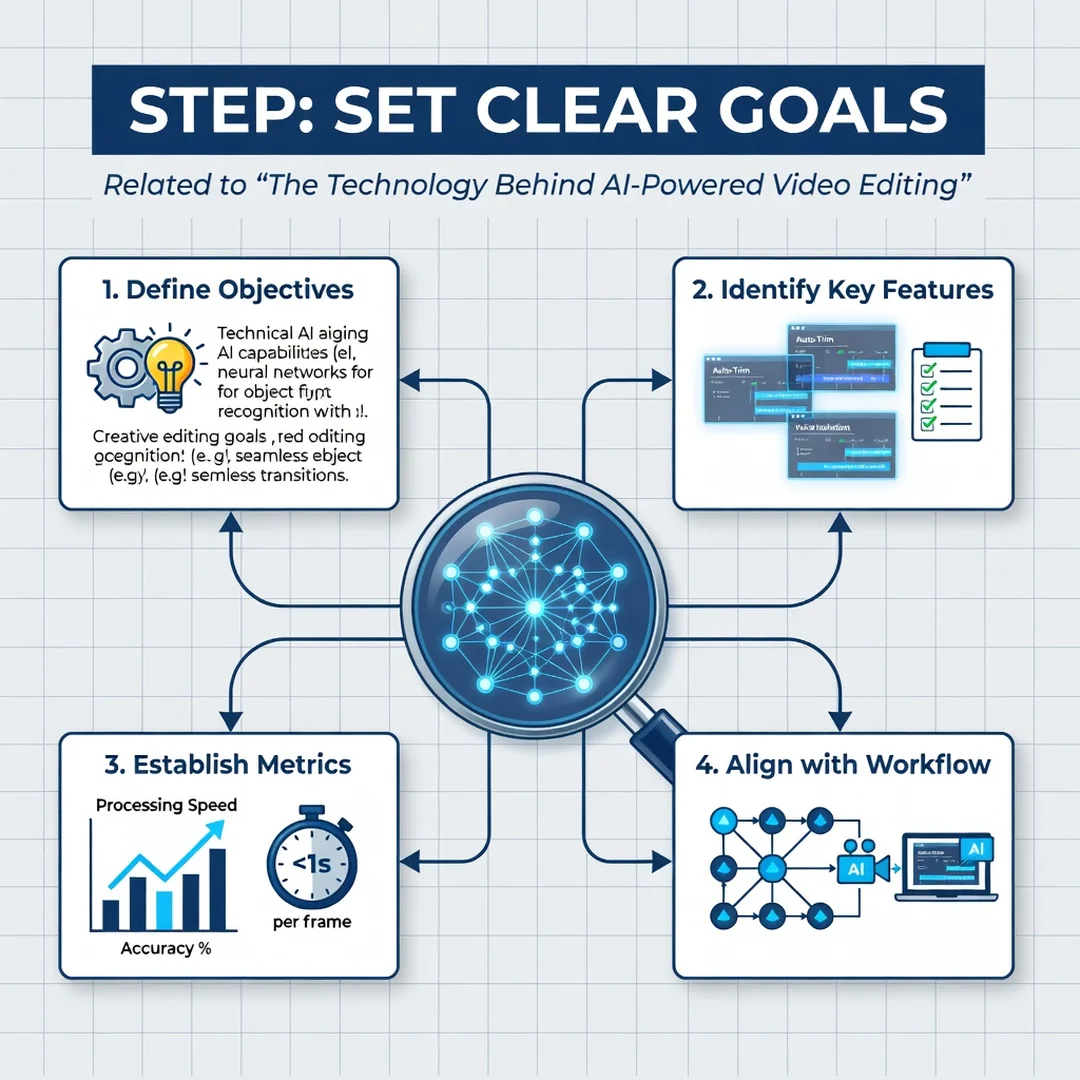
Step 3: Set clear goals
Decide what you want AI to improve. Common goals include reducing edit time by half, producing consistent social media clips, or removing background noise from field recordings. Write these goals down. They will guide your tool selection and help you measure success.
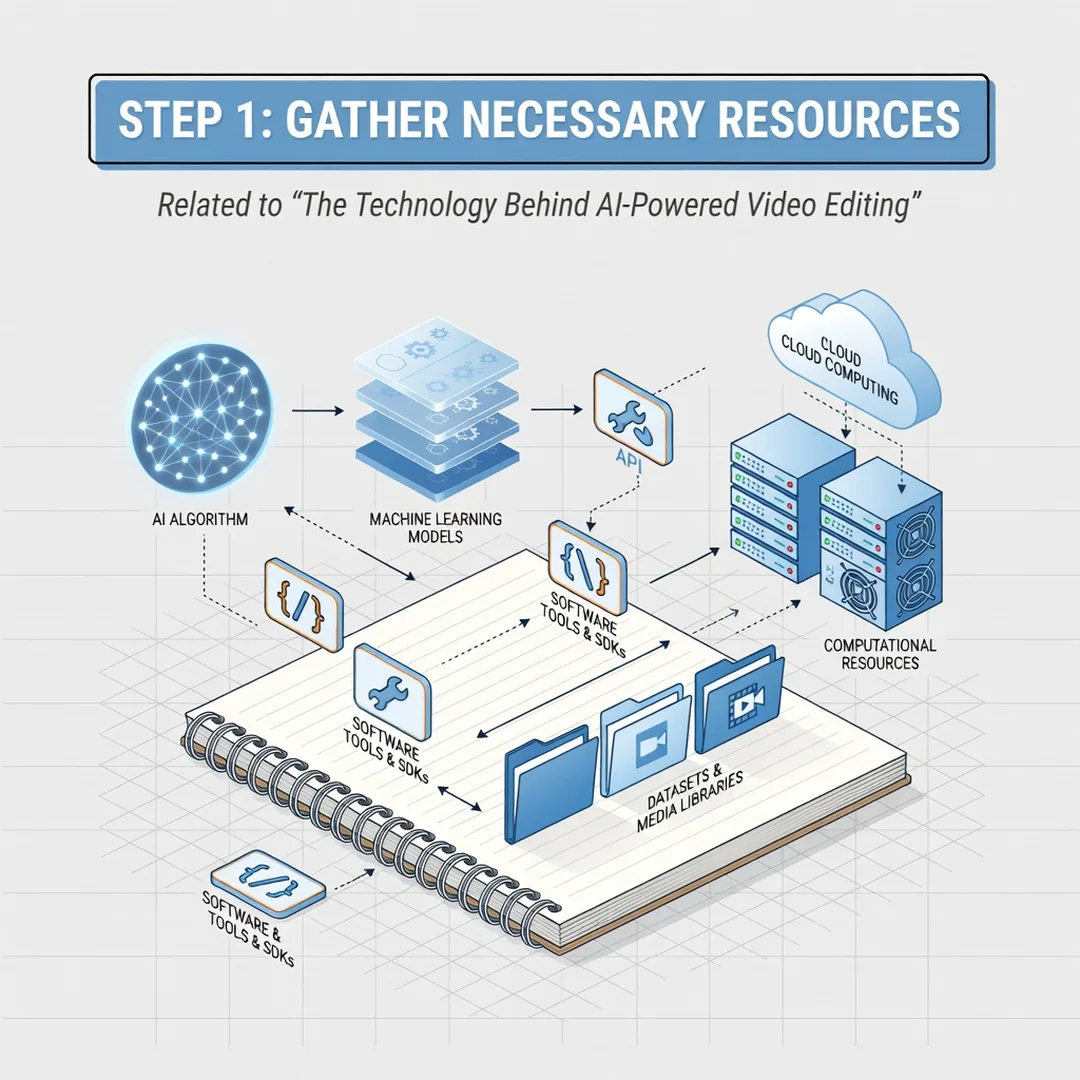
Step 4: Gather necessary resources
You will need reliable software, a stable internet connection for cloud-based tools, and a backup drive for original footage. Some AI features run locally, while others rely on cloud processing. Check subscription costs and export limits. A trial period is useful for testing how the AI handles your real footage.
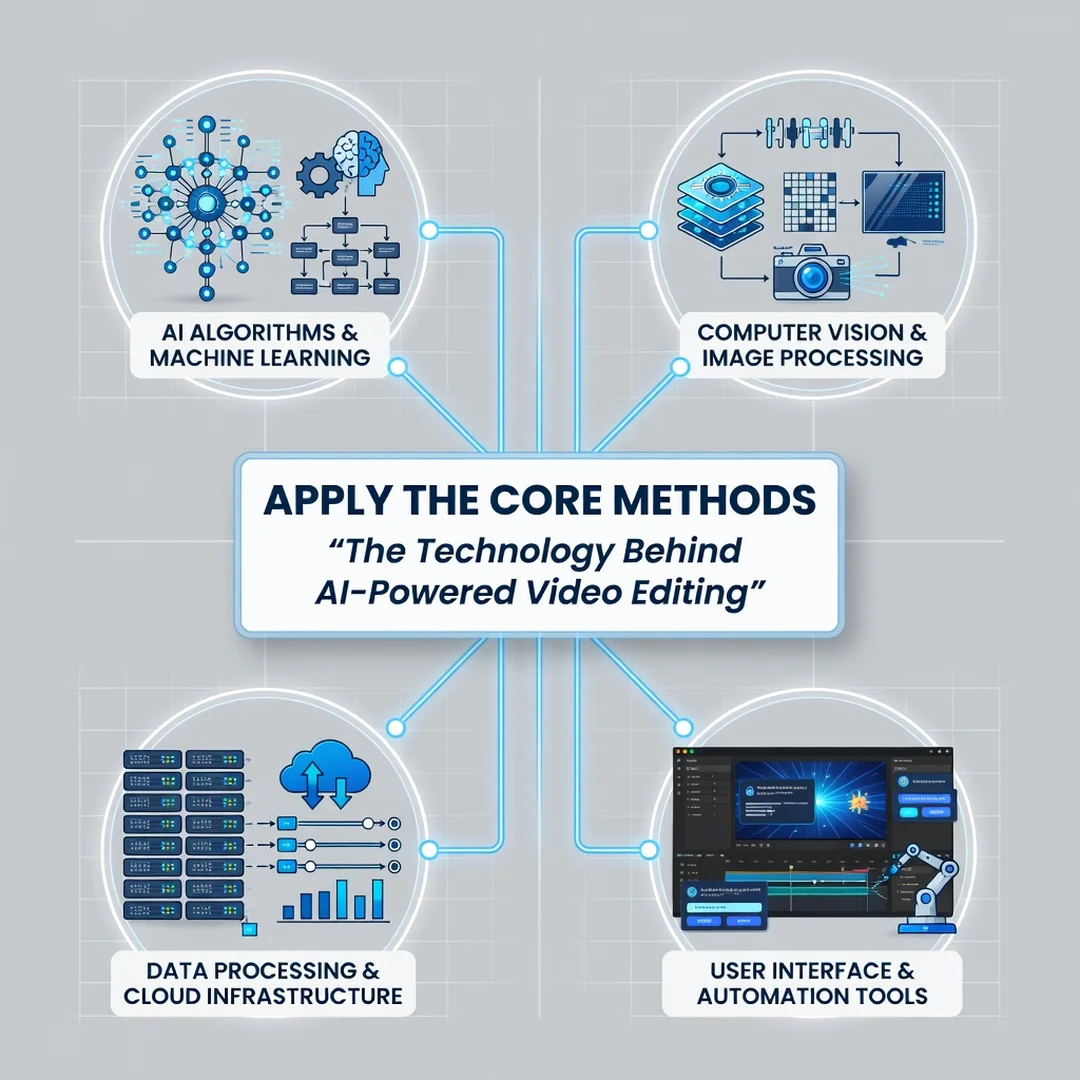
Step 5: Apply the core methods
Start with one AI feature at a time. Use transcript-based editing on a short interview. Try auto-reframing on a horizontal clip that needs to become vertical. Compare the AI result to your manual edit. Keep what works and adjust settings for what does not. Over a few projects, you will build a repeatable process that saves time without sacrificing quality.
Best Practices
- Always review AI output. Algorithms miss context, humor, and subtle emotional beats. Treat AI edits as a first draft, not a final cut.
- Maintain original files. Keep untouched footage separate from AI-processed versions. You may need to re-edit later with different settings.
- Standardize your naming and folders. AI tools rely on clean metadata. Consistent file names and organized folders improve search and tagging accuracy.
- Test on small projects first. Learn a tool’s limits before applying it to a critical client deliverable.
- Update regularly. AI models improve quickly. Software updates often bring better detection, faster processing, and new features.
- Watch privacy and licensing. Cloud-based AI may upload your footage to remote servers. Check terms of service if you handle sensitive or client-owned content.
Consistent habits matter more than any single tool. Reliable information and consistent habits lead to better long-term outcomes, whether you edit one video a month or fifty.
FAQ
What should I know about The Technology Behind AI-Powered Video Editing?
You should know that it combines computer vision, speech recognition, and neural networks to automate repetitive tasks like scene detection, transcript editing, and reframing. It does not replace creative judgment. The most effective approach is to use AI for speed and let a human handle story, pacing, and final quality control. Also understand that hardware, software subscriptions, and privacy policies vary widely, so read the details before committing.
Who is this guide for?
This guide is for anyone who edits video and wants to work faster without losing quality. That includes content creators, marketers, educators, small business owners, and freelance editors. No advanced technical background is required. If you can import footage and make a cut, you can learn to use AI-assisted features step by step.
Conclusion
The technology behind AI-powered video editing is practical, accessible, and improving every year. By understanding key concepts, following a clear step-by-step process, and sticking to best practices, you can cut editing time while keeping creative control. Start with one feature, test it on real footage, and build from there. The goal is not to let AI make every decision, but to let it handle the busywork so you can focus on telling a better story.
Frequently Asked Questions
What should I know about The Technology Behind AI-Powered Video Editing?
This guide covers the essentials of The Technology Behind AI-Powered Video Editing with practical steps you can apply right away.
Who is this guide for?
Anyone looking for a clear, structured overview without unnecessary complexity.
You now have a solid foundation for The Technology Behind AI-Powered Video Editing. Apply the best practices above and revisit this guide as your needs evolve.